

DICENTIS Conference System
Revolutionary IP-based platform for the integrated conference world of tomorrow
DICENTIS Conference System
Revolutionary IP-based platform for the integrated conference world of tomorrow
Designed for Clear, Controlled Discussions
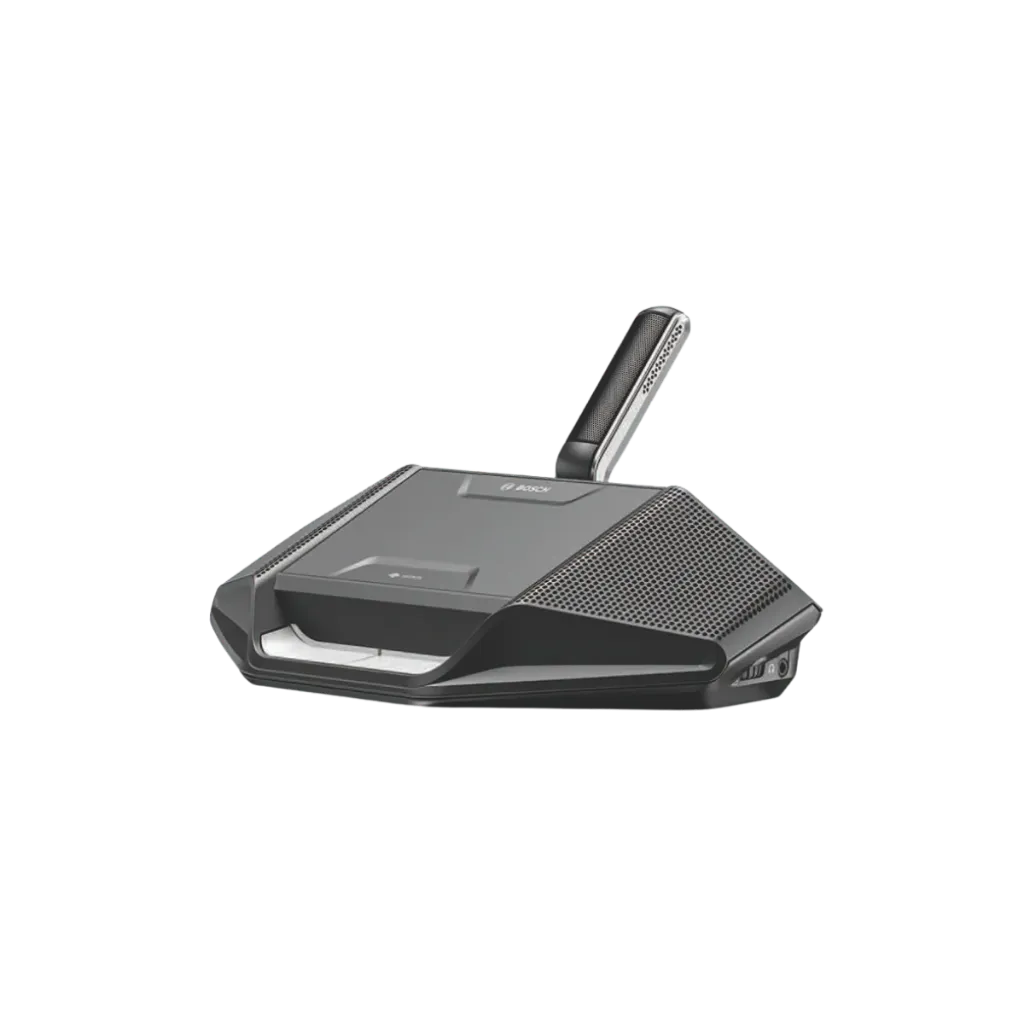
The Bosch DCNM-D combines configurable meeting roles, personal listening controls and flexible connections for everyday conference use.
Flexible Meeting Roles
Configure the device for a participant or chairperson, or for dual use, so two participants can share one unit.
Choice of Microphones
Choose a compatible high-directivity, short-stem or long-stem Bosch microphone to suit your seating arrangement. Microphones are ordered separately.
Personal Listening Controls
Headphone sockets on both sides provide independent volume adjustment, allowing each connected listener to set a comfortable listening level.
Built-In Feedback Suppression
The microphone and loudspeaker can operate simultaneously, while built-in feedback suppression helps maintain clear audio throughout the discussion.
Encrypted System Communication
Encryption helps keep information exchanged within the DICENTIS system confidential, supporting discussions where protecting meeting information is important.
Flexible System Connections
Star and loop-through connections support different system layouts, with two RJ45-compatible ports carrying both system communication and power.
Microphone Controls & Personal Listening
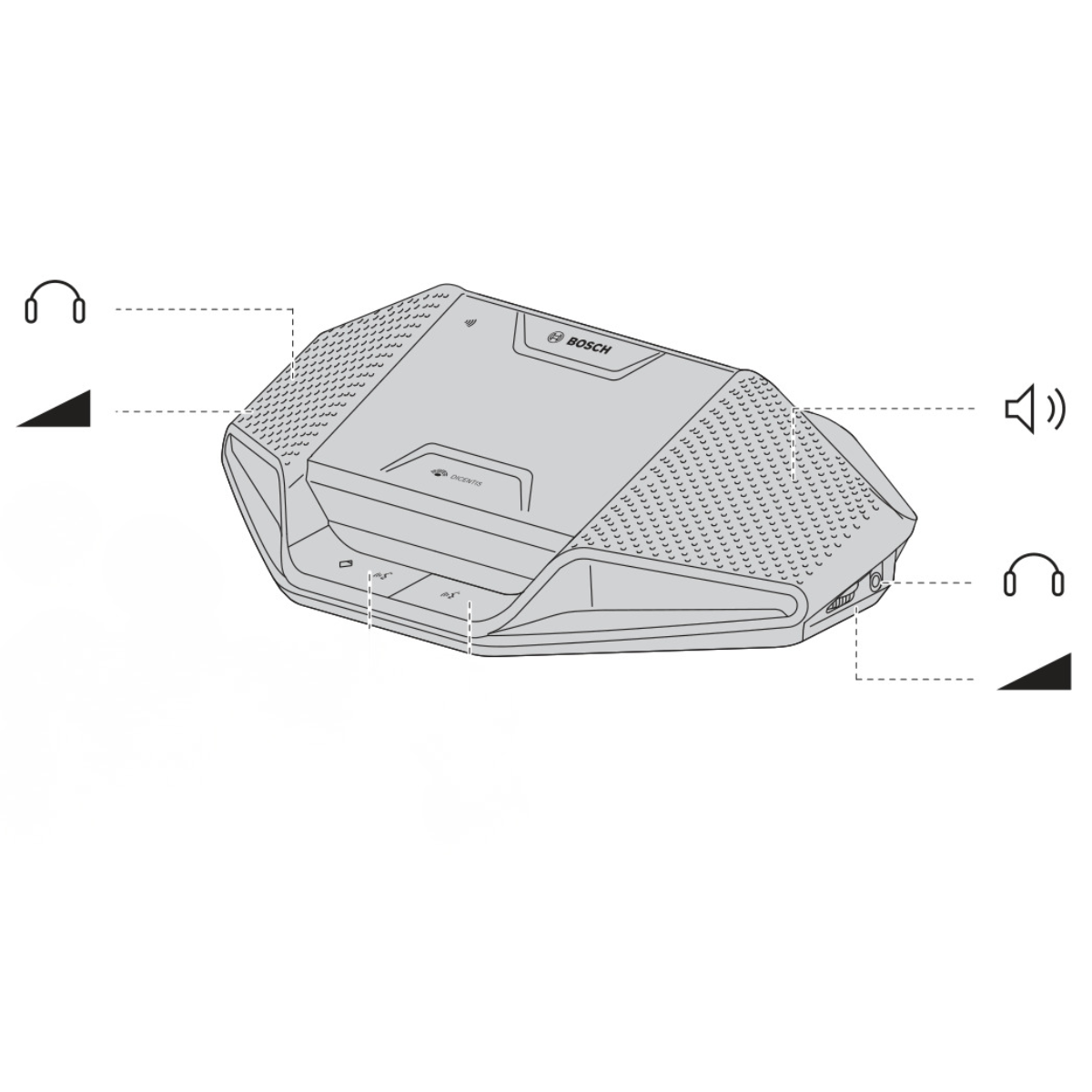
The Bosch DCNM-D brings microphone controls, a built-in loudspeaker and individual headphone adjustments within easy reach, helping participants speak and follow the discussion.
Request to Speak
Use the microphone request button to register a request to speak during the meeting.
Chairperson & Shared Use
Depending on configuration, the additional button provides chairperson priority, microphone mute or a second participant’s microphone request function.
Individual Headphone Control
Headphone connections on both sides offer independent volume adjustment for personal listening.
Built-In Loudspeaker
Listen through the integrated loudspeaker, with built-in feedback suppression supporting simultaneous microphone and loudspeaker operation.
DICENTIS tabletop conference devices
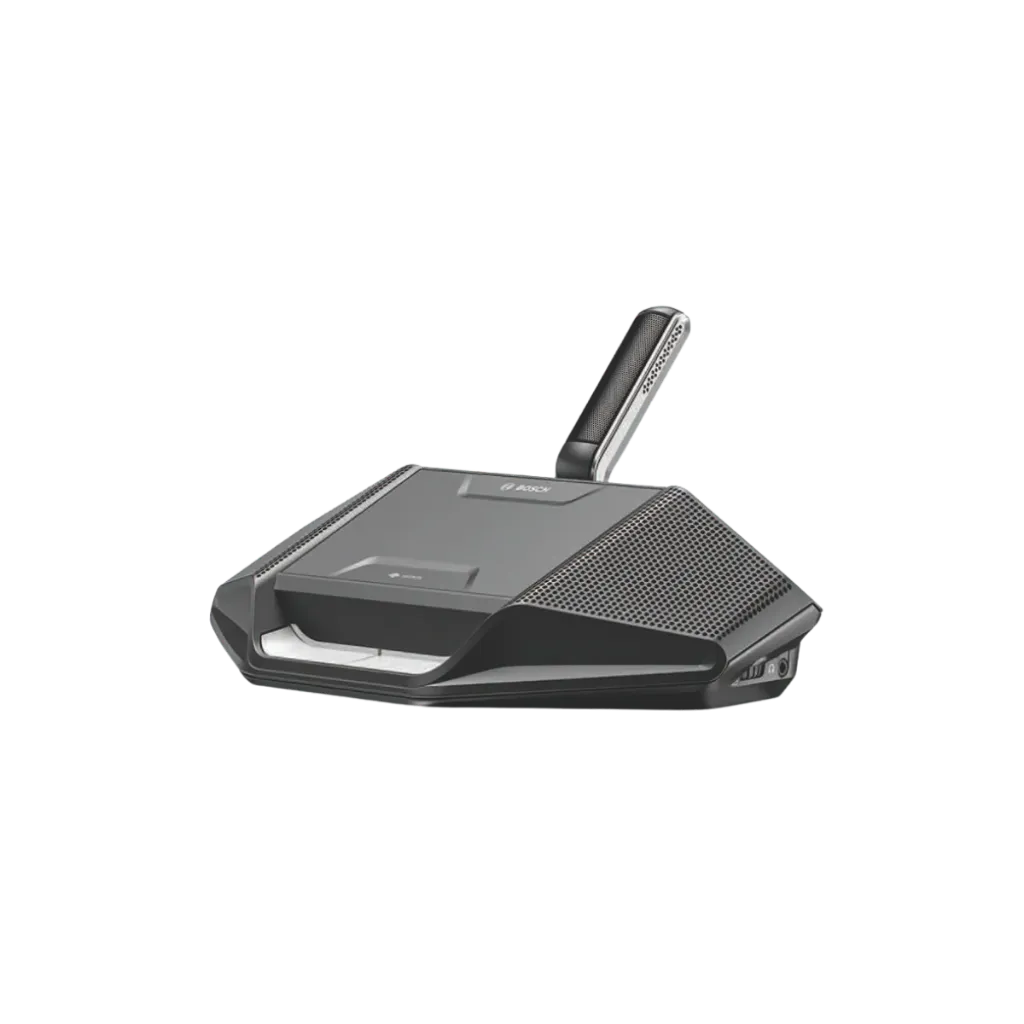
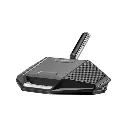
DCNM-D Discussion Device
Request-to-speak tabletop unit for a single participant, dual use or chairperson operation. Built-in loudspeaker and encrypted audio, with more functions unlocked through DICENTIS software licenses.
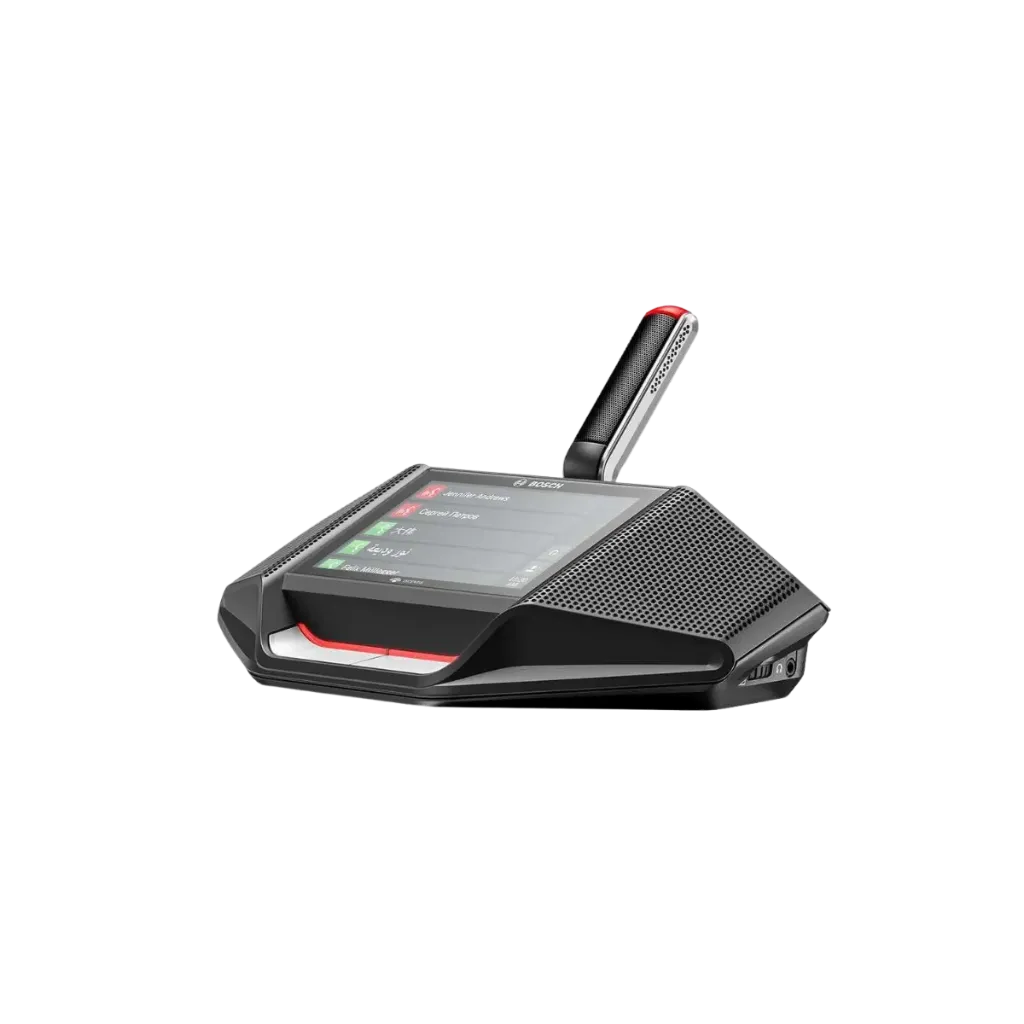
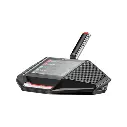
DCNM-DE Discussion Device with Touchscreen
4.3-inch capacitive touchscreen and built-in NFC reader for participant identification. Configurable for single, dual use or chairperson operation, with extra functions added through software licenses.
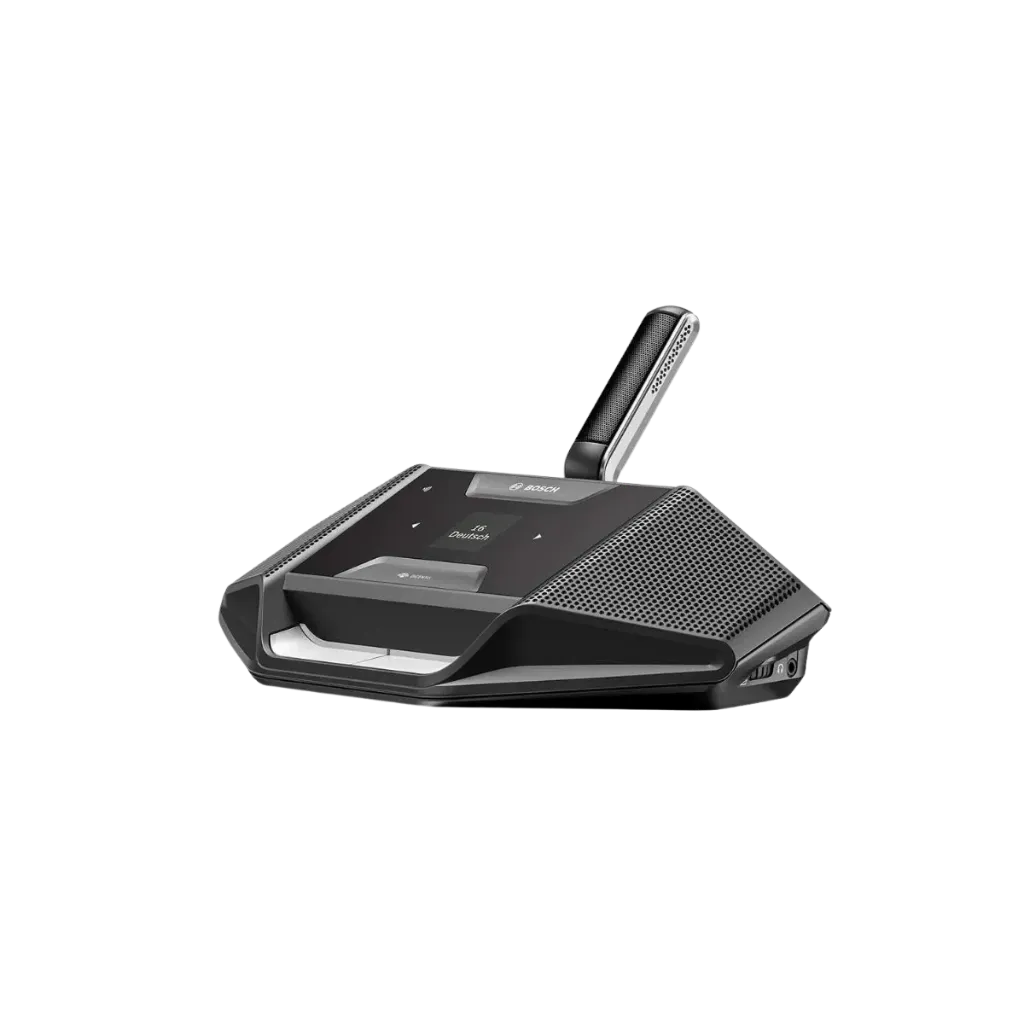
DCNM-DSL Discussion Device with Language Selector
1.44-inch LCD and NFC reader let each participant choose their interpretation language and identify themselves. A simple, cost-effective seat for multilingual meetings.
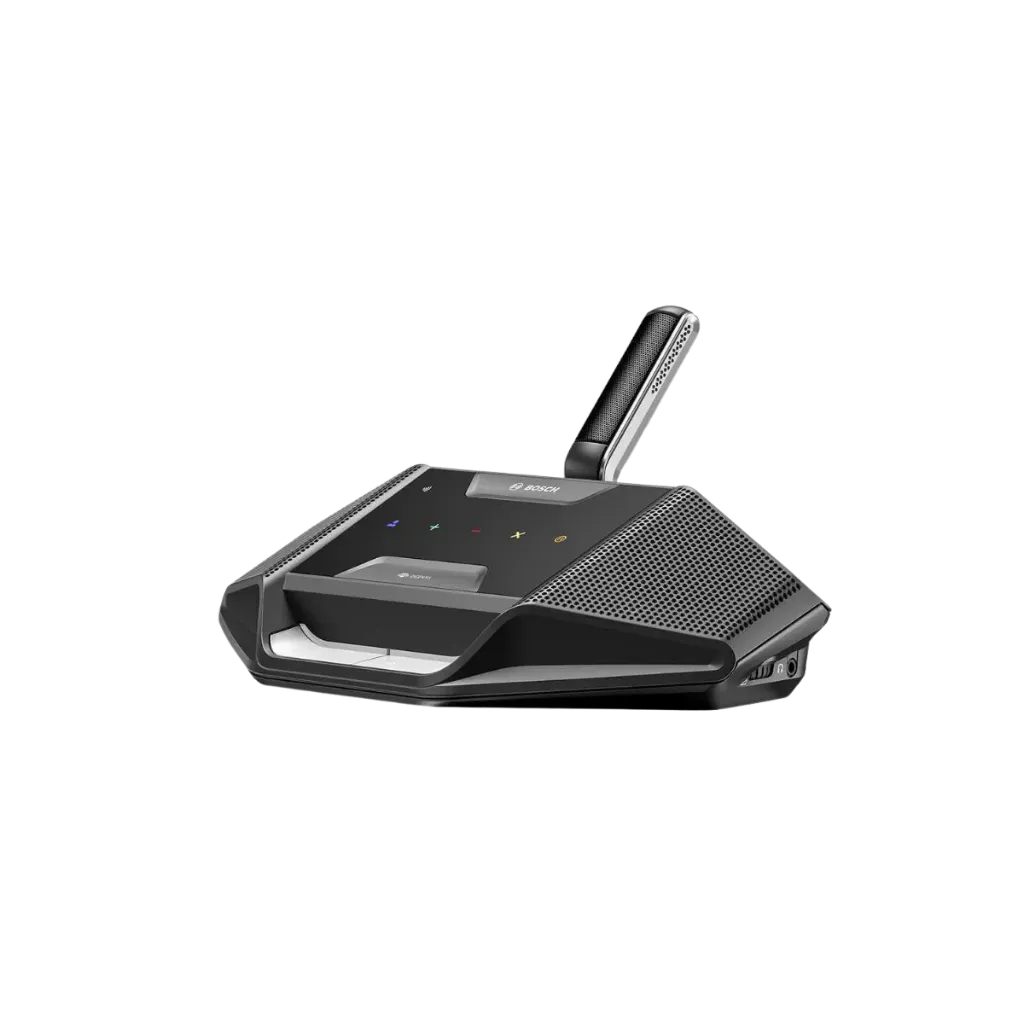
DCNM-DVT Discussion Device with Voting
Five colour-coded capacitive voting buttons and a built-in NFC reader for secure, identified voting. Configurable as a participant or chairperson device.
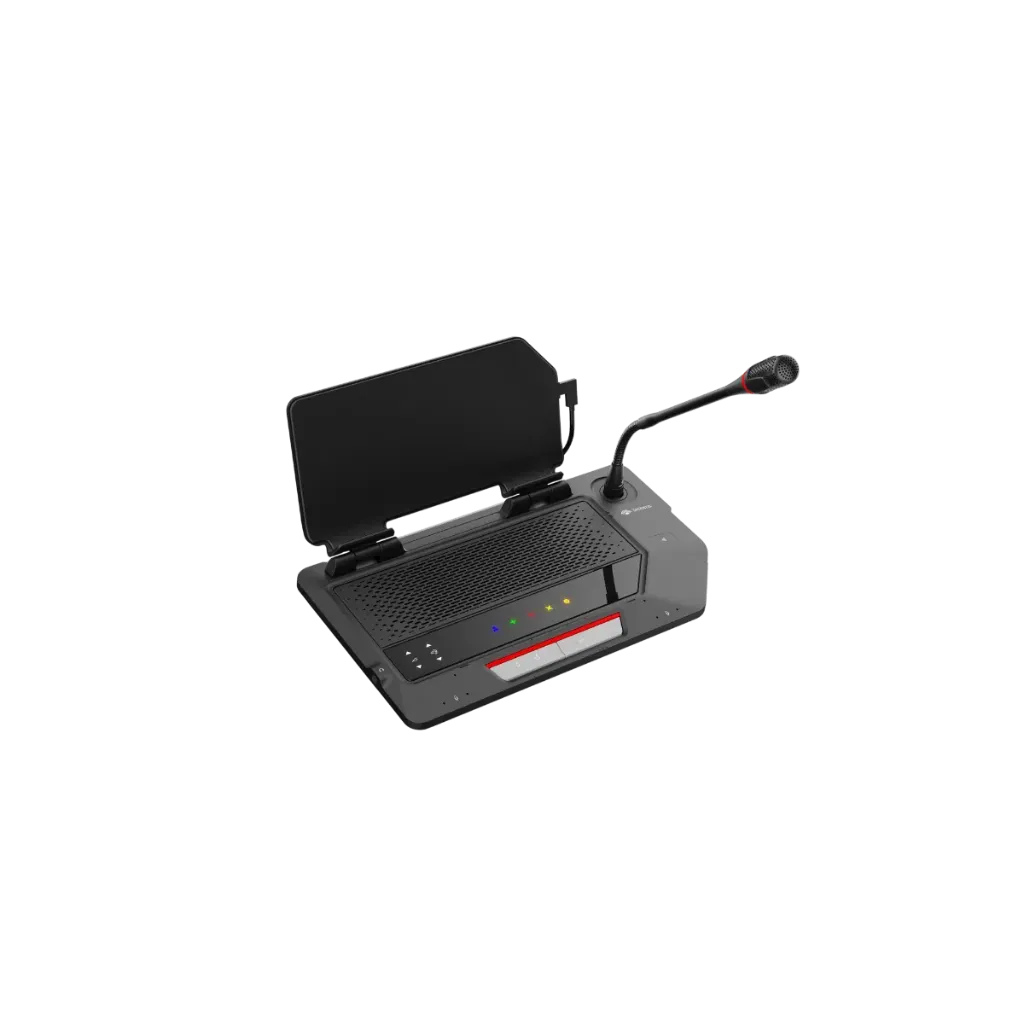
DCNM-MMDOCK Multimedia Docking
Turns a third-party 10 to 14-inch tablet into a full conference seat. Pairs and fast-charges the tablet over USB-C, adds an NFC reader with card slot, and installs on the tabletop or flush in the table. Part of the new DICENTIS multimedia generation.
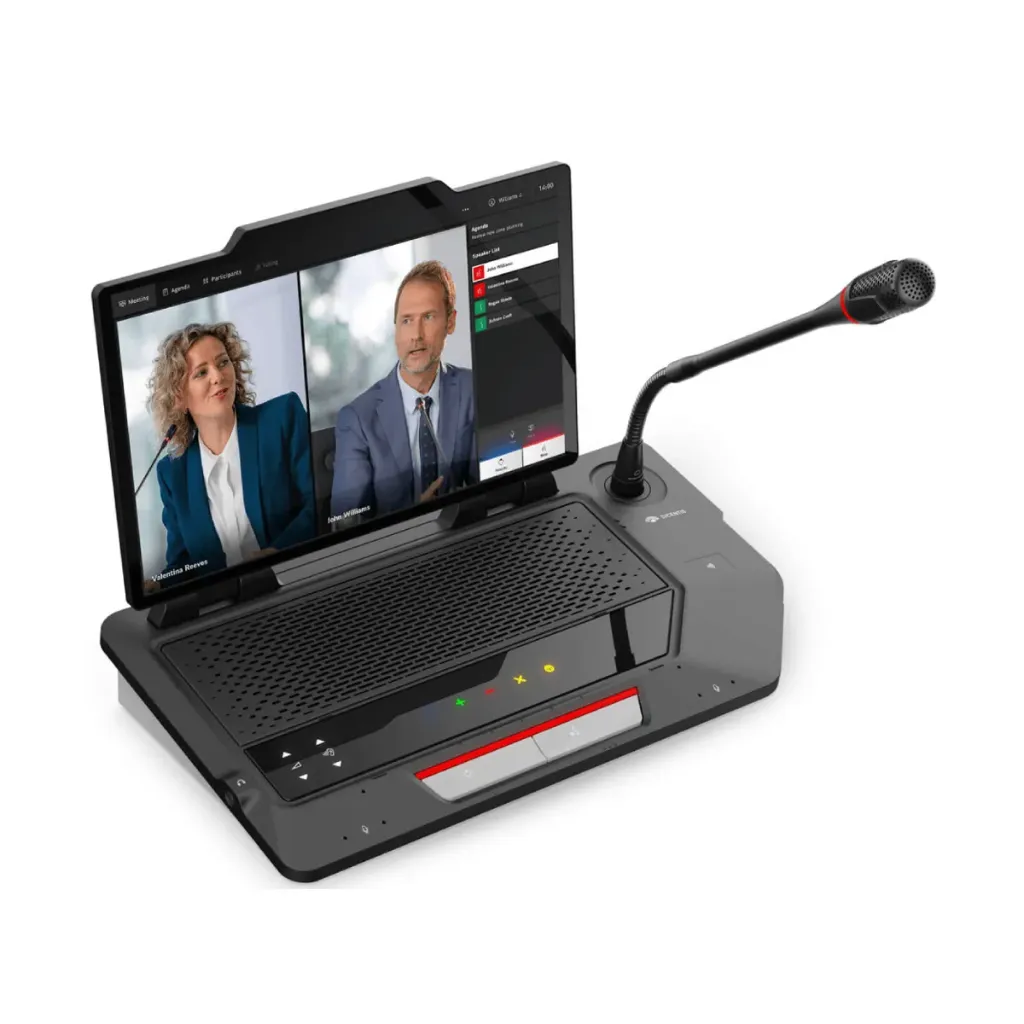
DCNM-MMFF Multimedia Full Function
Android-based seat with a 10-inch capacitive touchscreen for meeting content, live video, documents and custom apps. Six built-in MEMS microphones, an NFC reader with card slot and an integrated loudspeaker. Replaces the previous DICENTIS multimedia device.
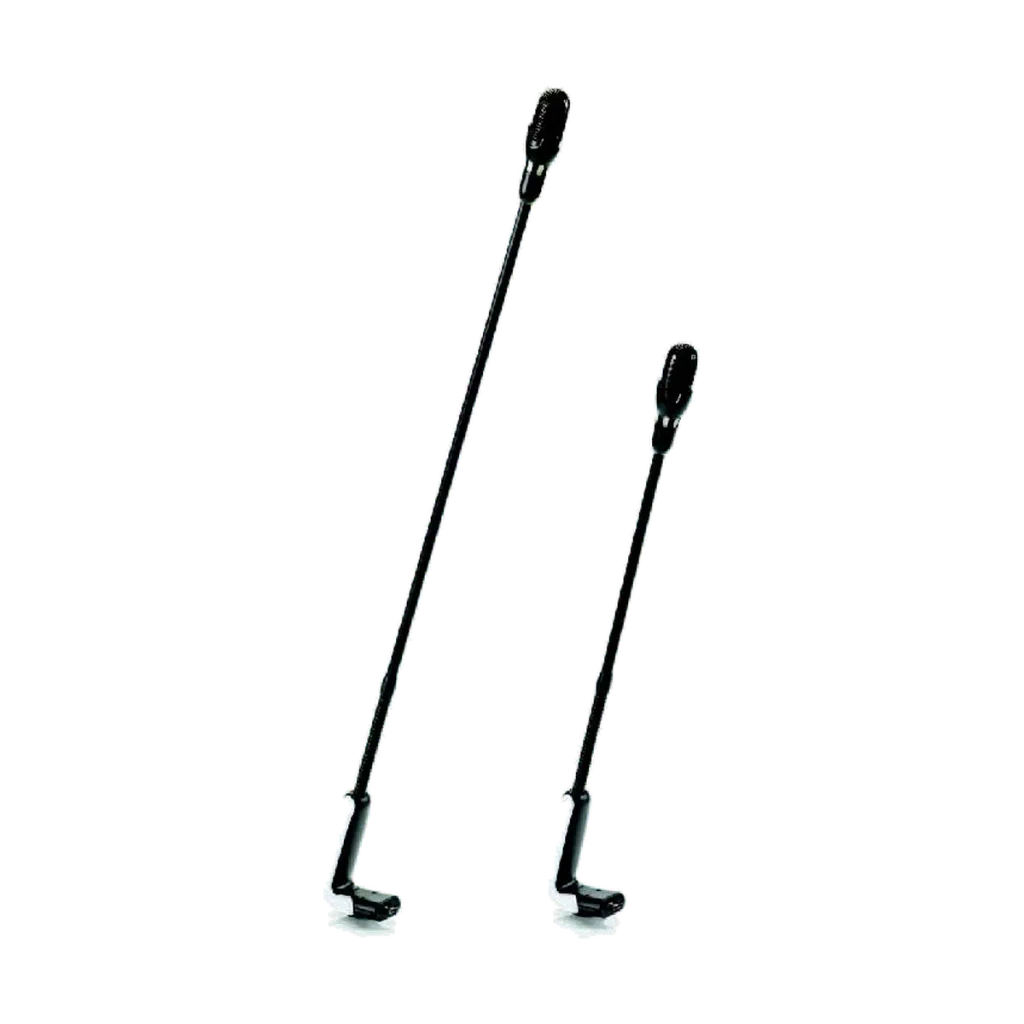
Versatile Microphone Options
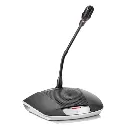
Choose from three microphone types: the high-directive DCNM-HDMIC, screw-lock microphones (DCNM-MICSLS / DCNM-MICSLL) for tamper-proof fixed installations, and standard plug-in microphones (DCNM-MICS / DCNM-MICL). Screw-lock and standard microphones are each available with a short or long stem.
Key specs
- Request-to-speak tabletop device
- Single, dual use or chairperson
- Built-in loudspeaker, feedback suppression
- 2 headphone sockets, separate volume
- Encrypted audio
- 100 Hz to 20 kHz
- 2 x RJ45, star or loop-through, 3.1 W
- Microphone sold separately
|
Electrical |
|
|
Supply voltage |
48 VDC |
|
Power consumption |
3.1 W |
|
Frequency response |
100 Hz to 20 kHz (-3 dB at nominal level) |
|
THD at nominal level |
< 0.1 % |
|
Dynamic range |
> 90 dB |
|
Signal‑to‑noise ratio |
> 90 dB |
|
Audio inputs |
|
|
Nominal microphone input |
80 dB SPL according to ISO22259 (IEC60914) |
|
Maximum microphone input |
110 dB SPL according to ISO22259 (IEC60914) |
|
Audio outputs |
|
|
Loudspeaker nominal output |
72 dB SPL at 0.5 m |
|
Loudspeaker maximum output |
87 dB SPL |
|
Headphone nominal output |
0 dBV |
|
Headphone maximum output |
3 dBV |
|
Headphone load impedance |
> 32 ohm <1k ohm |
|
Headphone output power |
65 mW |
|
Mechanical |
|
|
Mounting |
Tabletop |
|
Dimensions (H x W x D) without microphone |
72 x 259 x 139 mm (2.8 x 10.2 x 5.5 in) |
|
Color (top and base) |
Traffic black (RAL 9017) |
|
Weight |
Approx. 955 g (2.1 lb) |
|
Environmental |
|
|
Operating temperature |
5 ºC to +45 ºC (41 ºF to +113 ºF) |
|
Storage and transport temperature |
-30 ºC to +70 ºC (-22 ºF to +158 ºF) |
|
Relative humidity |
< 90 %, > 5% |
Know before you buy
Quick answers about the DCNM-D, and how it compares.
What is the DCNM-D used for?
It is the basic DICENTIS discussion seat: participants press to request to speak and listen through the built-in loudspeaker. Set it up for one participant, two participants (dual use) or the chairperson, who gets a priority button to manage the discussion. Audio is encrypted, and feedback suppression lets the loudspeaker and microphone work at the same time.
Which DICENTIS discussion device should I choose?
| Model | Screen | NFC ID | Voting | Language select | Dual use |
|---|---|---|---|---|---|
| DCNM-D | No | No | No | No | Yes |
| DCNM-DE | 4.3-inch touch | Yes | On screen | On screen | Yes |
| DCNM-DSL | 1.44-inch LCD | Yes | No | Yes | Yes |
| DCNM-DVT | No | Yes | 5 buttons | No | No |
All four have a request-to-speak button, a built-in loudspeaker, two headphone sockets with their own volume, encrypted audio, and two network sockets for loop-through cabling. All can be set as a chairperson device. Discussion, chairperson and dual use work without a license. NFC ID, voting and language selection need a Premium license.
Do DICENTIS discussion devices need a software license?
For the wired DICENTIS Conference System, basic discussion works without a license once the system is registered: request to speak, chairperson priority, dual use (two participants on one device), camera control and interpretation from the interpreter desk. These seat functions need a Premium or Ultimate license:
| Device | Works without a license | Needs Premium for |
|---|---|---|
| DCNM-D | Discussion, dual use, chairperson | Speech timer, response mode, agenda |
| DCNM-DE | Discussion, dual use, chairperson | NFC ID, voting and language on screen |
| DCNM-DSL | Discussion, dual use, chairperson | Language selection, NFC ID |
| DCNM-DVT | Discussion, chairperson | Voting buttons, NFC ID |
| DCNM-MMDOCK | Discussion, chairperson | NFC ID, voting, language selection |
| DCNM-MMFF | Discussion, chairperson | NFC ID, voting, language selection |
The DCNM-DVT voting buttons do not work without a Premium license.
Order one license per participant in the meeting (a dual use seat counts as two). Two ways to buy:
- Perpetual, pay once: Premium DCNM-LPP-PE or Ultimate DCNM-LPU-PE. The license is yours permanently. Software maintenance (updates) is included for the first year, then renewed yearly with DCNM-LPSMA-PE.
- Professional, pay yearly: the same Premium or Ultimate features, renewed every year. Software maintenance and the Participant App are included in the yearly fee.
DICENTIS Wireless (DCNM-WD / DCNM-WDE) works differently: it still uses per-seat licenses, such as DCNM-LSDU for dual use, DCNM-LSVT for voting and DCNM-LSID for identification.
Can two participants share one DCNM-D?
Yes. Dual use is included, no license needed. The second button becomes the second participant's request button, and each person uses the headphone socket on their side, with its own volume control.
Is a microphone included?
No. DICENTIS discussion devices come without a microphone, so you choose one for each seat: the DCNM-HDMIC high directive microphone, or the DCNM-MICS (short) or DCNM-MICL (long) stem microphone. All three click into the same socket.
The screw-lock DCNM-MICSLS / DCNM-MICSLL are for flush seats and do not fit these devices.
What are loop-through and cable redundancy?
DICENTIS devices are daisy-chained: each device connects to the next with one network cable. The last device in the loop can be connected back to a DCNM-APS2 or DCNM-PS2, so the loop is fed from both ends. If one cable is damaged, the devices stay powered and connected from the other side.
Who supplies Bosch DICENTIS in the UAE, and what warranty do I get?
Protechtors General Trading LLC (hik.ae) is an authorized partner of Bosch, Dynacord and Electro-Voice in the UAE, so everything we supply is genuine and comes with a 3-year warranty. Warranty is carry-in: bring the unit to our office in Dubai and after inspection it is repaired or replaced as needed.
We supply Bosch DICENTIS across the UAE and support you after the sale. Prices are quoted per project: tell us what you need and we will send a quote.