
![youtube - [Video]](/web/image/product.image/831/image_128/youtube%20-%20%5BVideo%5D?unique=fb2a9b9)
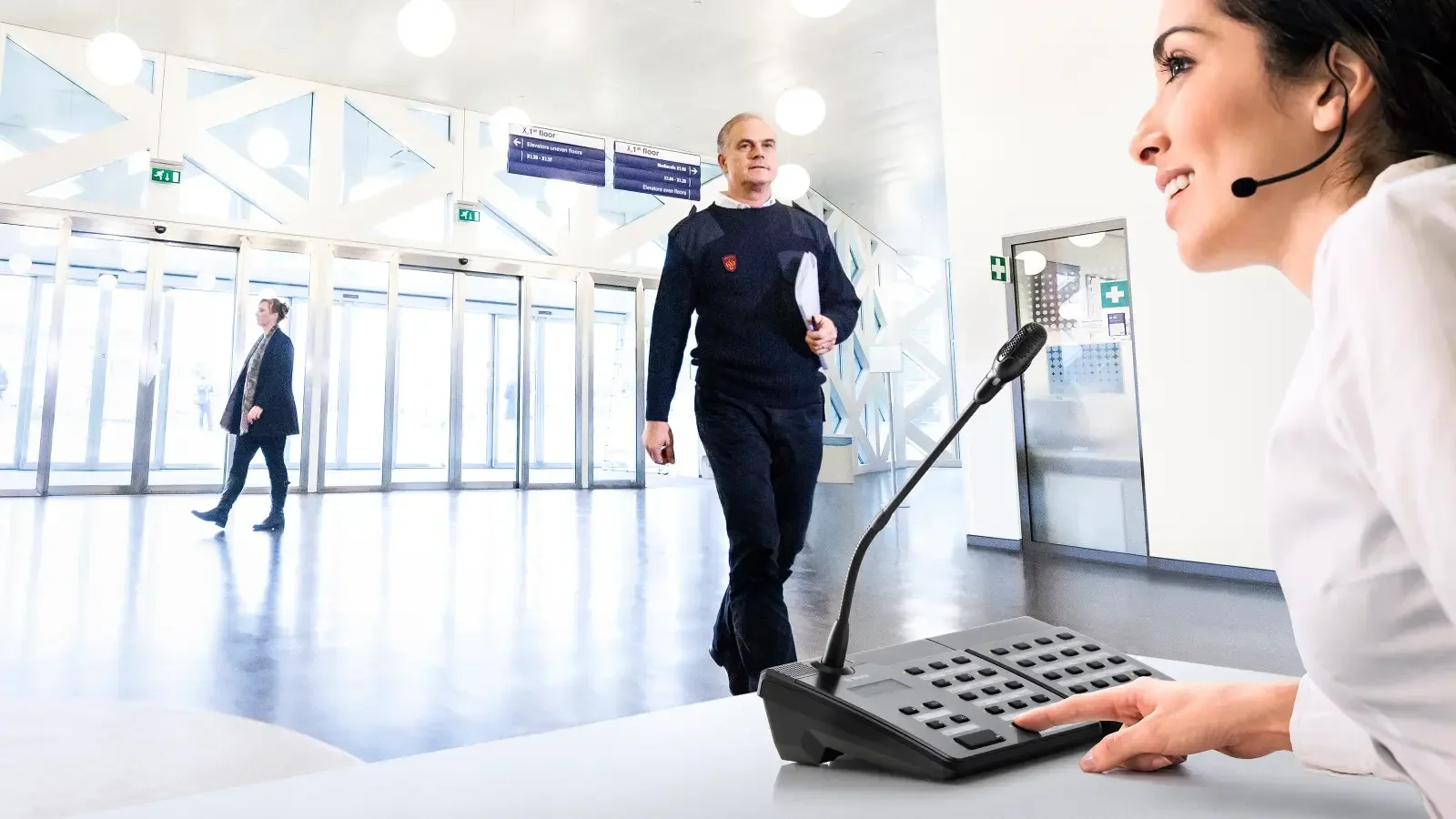

Flexibility right from the start
PAVIRO Public Address and Voice Evacuation System with Professional Sound Quality
Flexibility right from the start
PAVIRO Public Address and Voice Evacuation System with Professional Sound Quality
Core Capabilities of the PVA-20CSE
Discover the capabilities that make the PVA-20CSE a flexible extension for PAVIRO call stations, from programmable controls and LED indication to scalable expansion and system integration.
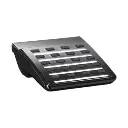
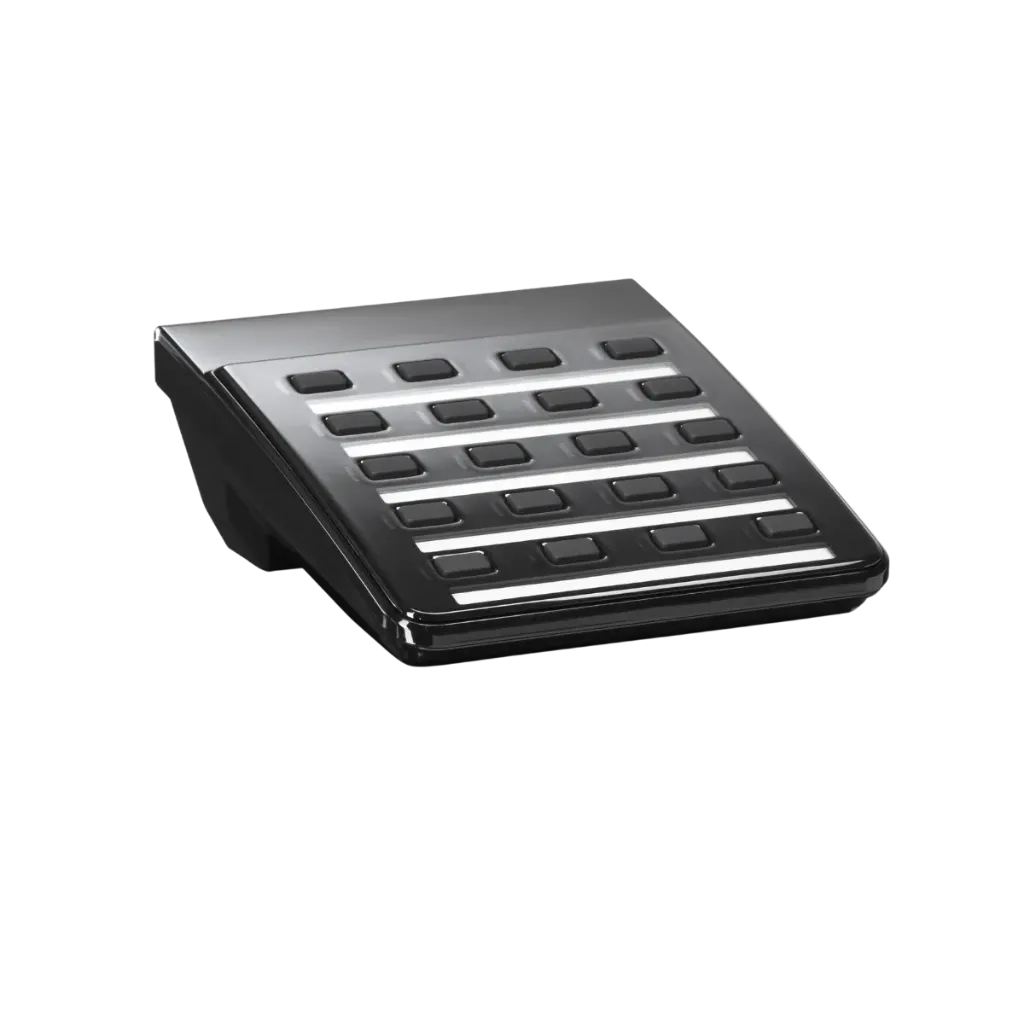
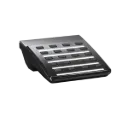
20 Programmable Buttons
Provides 20 freely programmable selection buttons for assigning zones and system functions.
Up to 5 Extensions
Connect up to five PVA-20CSE extension keypads to a single compatible PAVIRO call station.
Dual-Color LED Indication
Each programmable key includes green and red LED indicators for clear visual status feedback.
IRIS-Net Configuration
Configure button functions and system behavior through Bosch IRIS-Net software.
Flexible Installation
Designed for standing use or desk/rack flush mounting to suit different installation environments.
EN 54-16 Certified
Built for use within the EN 54-16 certified PAVIRO voice evacuation system.
PVA-20CSE Installation & Connection
Understand how the PVA-20CSE Call Station Extension connects to a compatible PAVIRO call station, including EXT connection, address selection and IRIS-Net configuration.
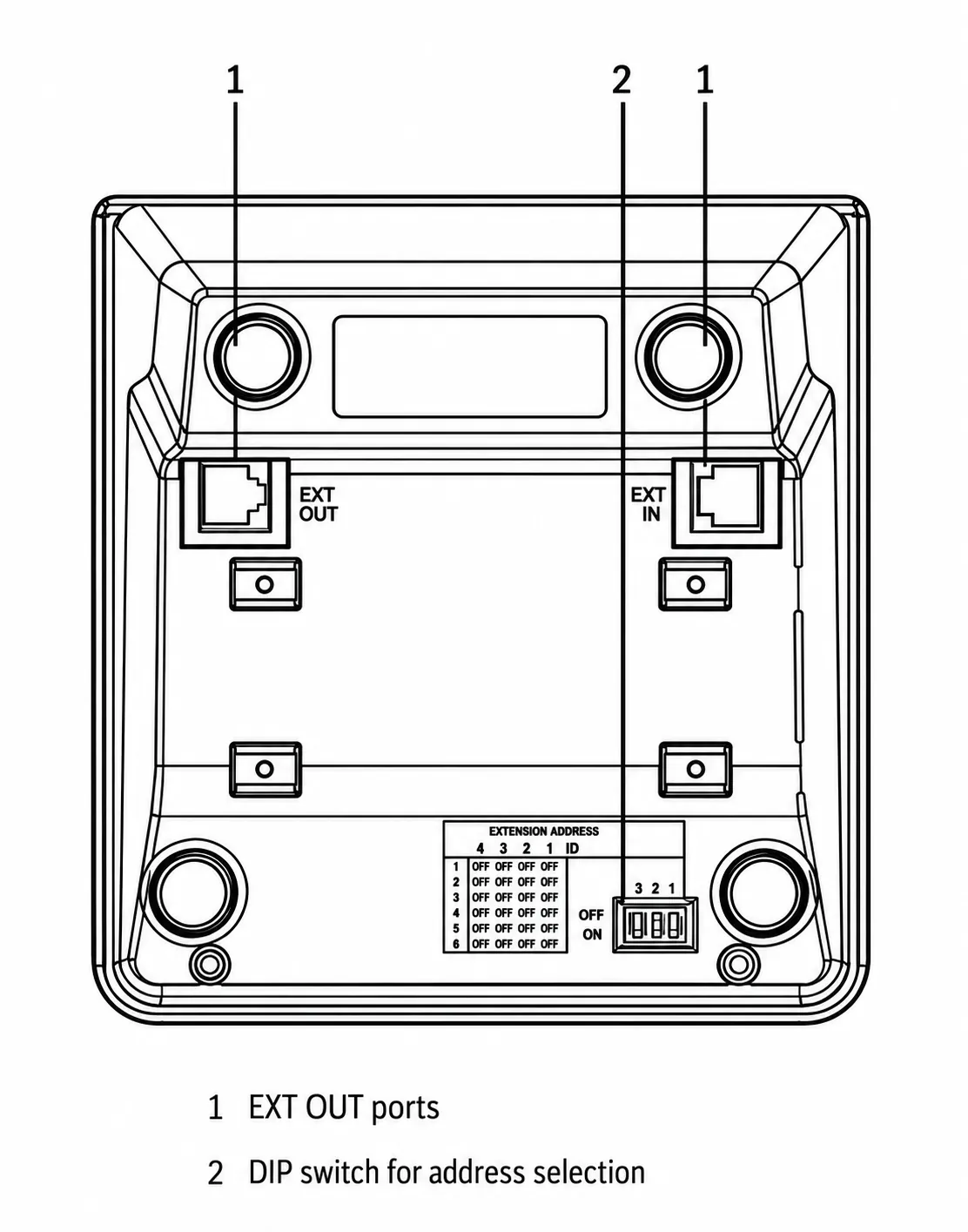
PVA-20CSE rear connection and address controls Tap the drawing to enlarge Click the drawing to enlarge
Position the Units
Disconnect the call station and place the call station and extension side-by-side with the top sides facing down.
Secure the Extension
Mount the connecting plate using 4 Torx T10 screws and follow the TOP marking on the plate.
Connect the EXT Cable
Insert the supplied connecting cable into the EXT socket until the connector clicks into place.
Set the Extension Address
Use the EXTENSION ADDRESS DIP switch to assign a unique address to the extension.
Configure in IRIS-Net
Reconnect the call station and configure the PVA-20CSE using IRIS-Net software.
When several extensions are used, assign addresses in ascending order from left to right, 1–5.
PVA-20CSE rear connection and address controls Tap the drawing to enlarge Click the drawing to enlarge
Position the Units
Disconnect the call station and place the call station and extension side-by-side with the top sides facing down.
Secure the Extension
Mount the connecting plate using 4 Torx T10 screws and follow the TOP marking on the plate.
Connect the EXT Cable
Insert the supplied connecting cable into the EXT socket until the connector clicks into place.
Set the Extension Address
Use the EXTENSION ADDRESS DIP switch to assign a unique address to the extension.
Configure in IRIS-Net
Reconnect the call station and configure the PVA-20CSE using IRIS-Net software.
When several extensions are used, assign addresses in ascending order from left to right, 1–5.
Key specs
- 20 programmable zone/function keys
- Green and red LED per programmable key
- Up to 5 extensions per call station
- IRIS-Net configuration
- EN 54-16 system certification
- Dimensions: 163 × 140 × 63 mm
- Weight: 0.35 kg
- Color: RAL 9017 Traffic Black
- Operating temperature: -5°C to +45°C
- Humidity: 5%–90%, non-condensing
|
Technical Specifications |
|
|
Electrical |
|
|
Buttons |
20 programmable zone / function keys |
|
Indicator lights |
Green and red LED per programmable zone / function key |
|
Mechanical |
|
|
Product dimensions (Height x Width x Depth) |
163 mm x 140 mm x 63 mm |
|
Net weight |
0.35 kg |
|
Color |
RAL 9017 (traffic black) |
|
Environmental |
|
|
Operating temperature |
-5 °C to +45 °C (+23 °F to +113 °F) |
|
Storage and transport temperature |
-25 °C to +70 °C (-13 °F to +158 °F) |
|
Humidity (non-condensing) |
5% to 90% |
|
Altitude |
Up to 2000 m |